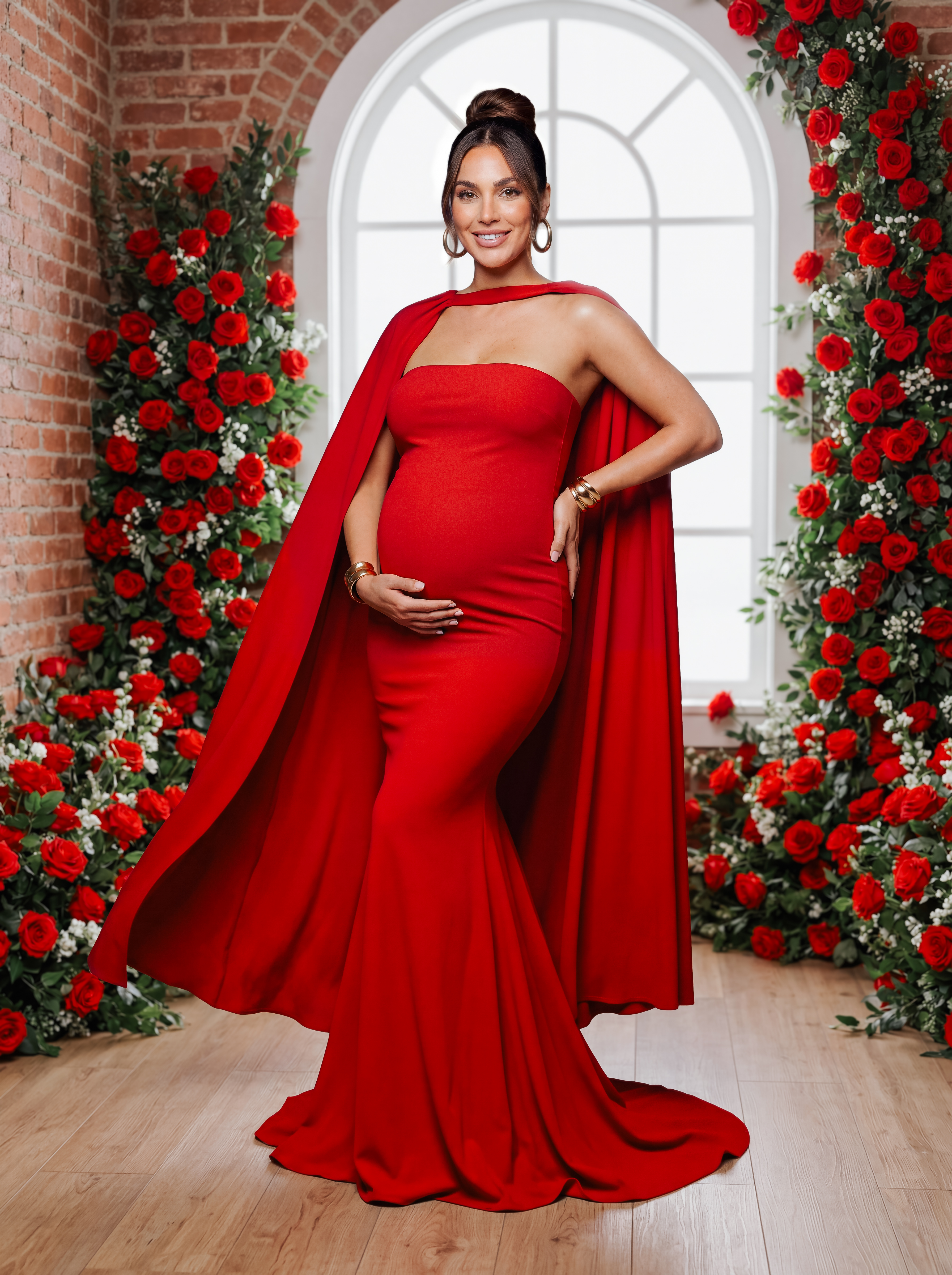
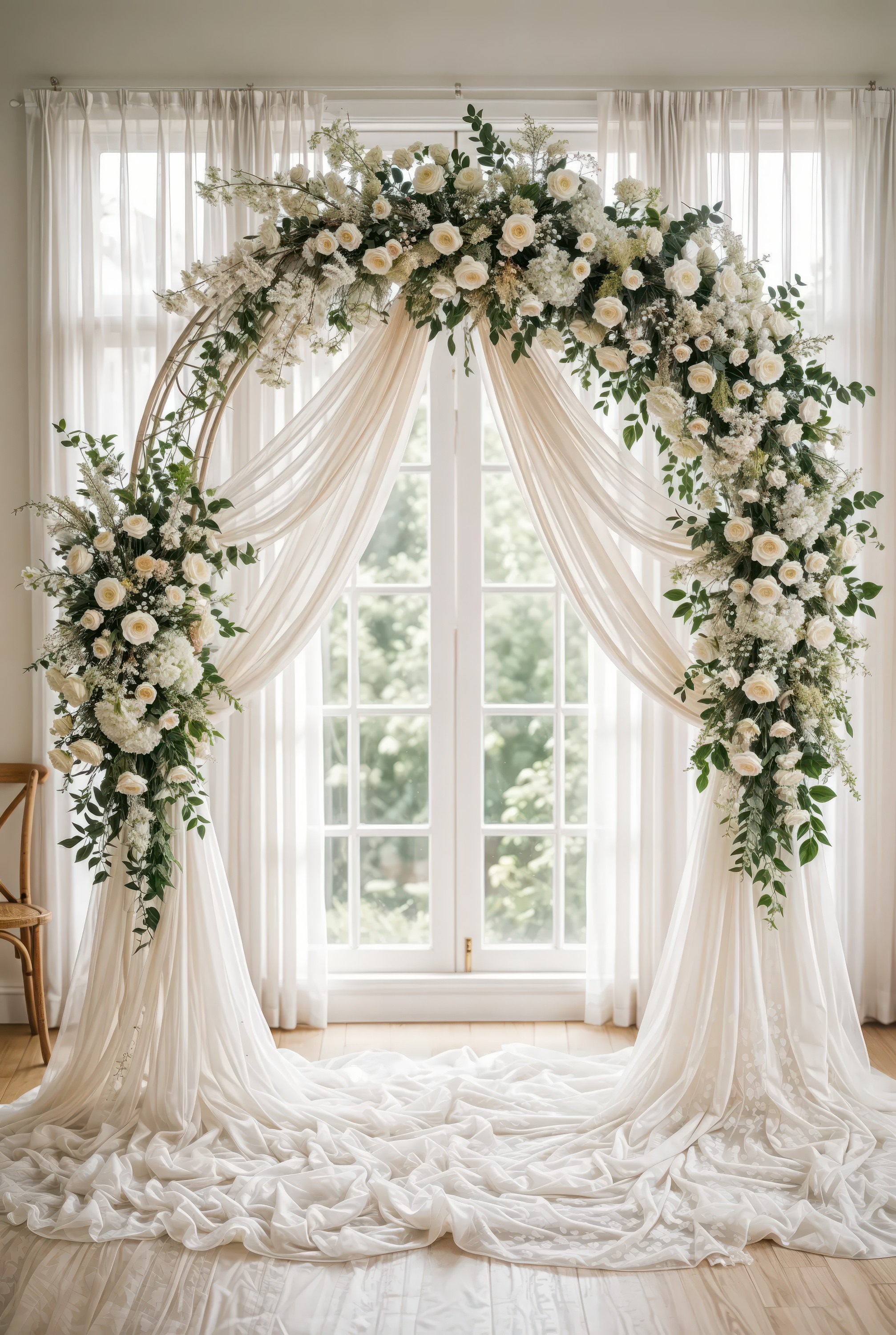
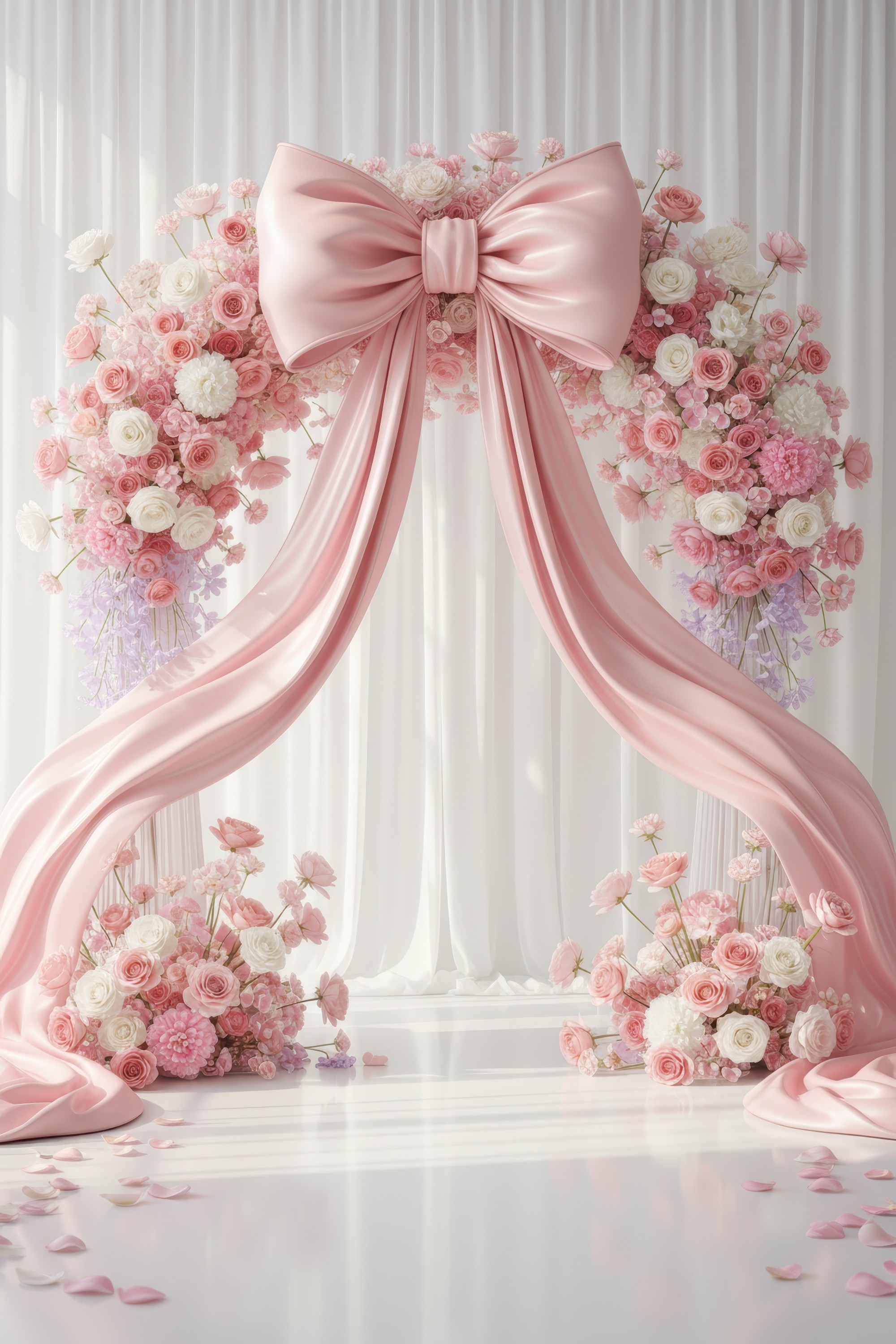
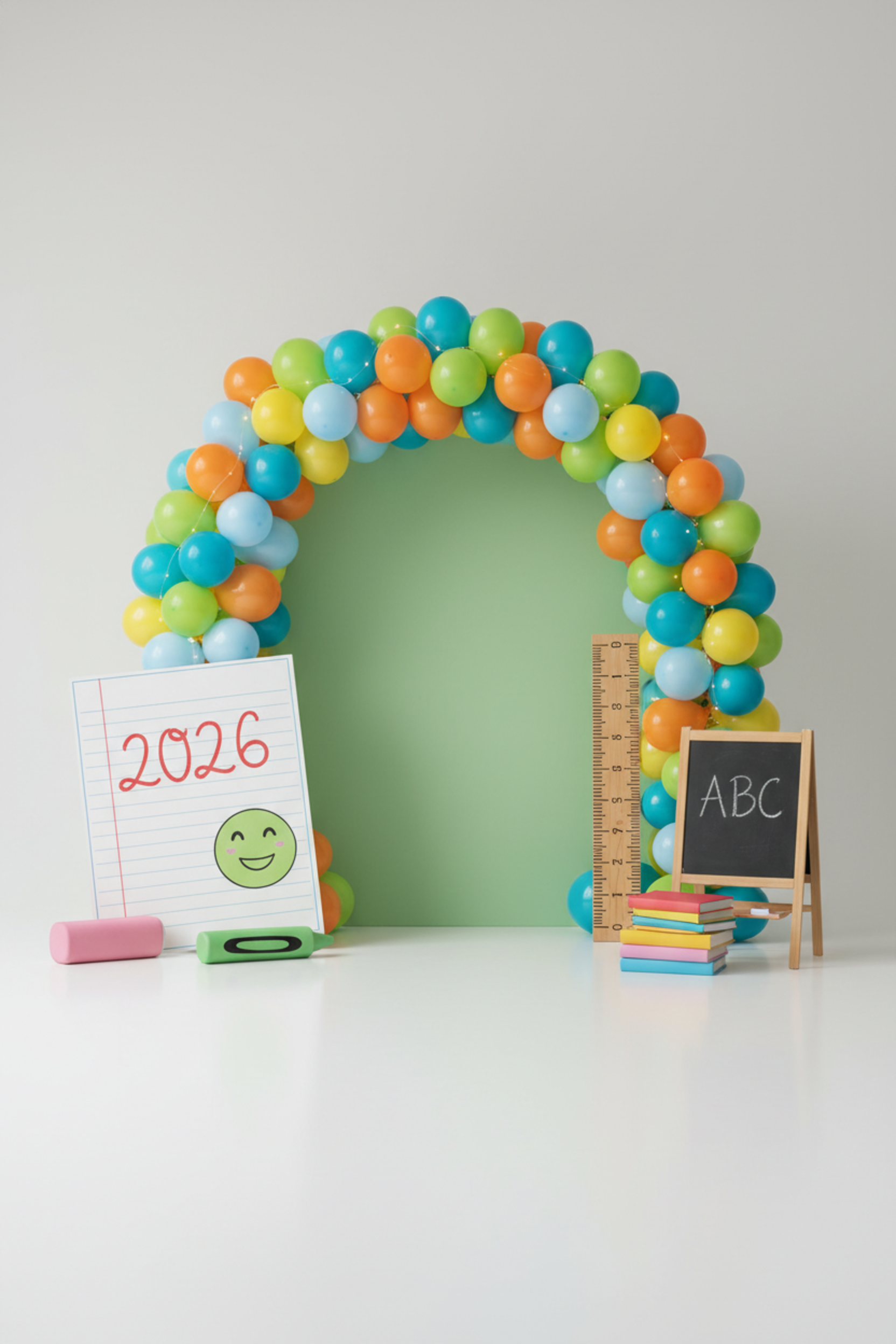
CREATE BEYOND LIMITS

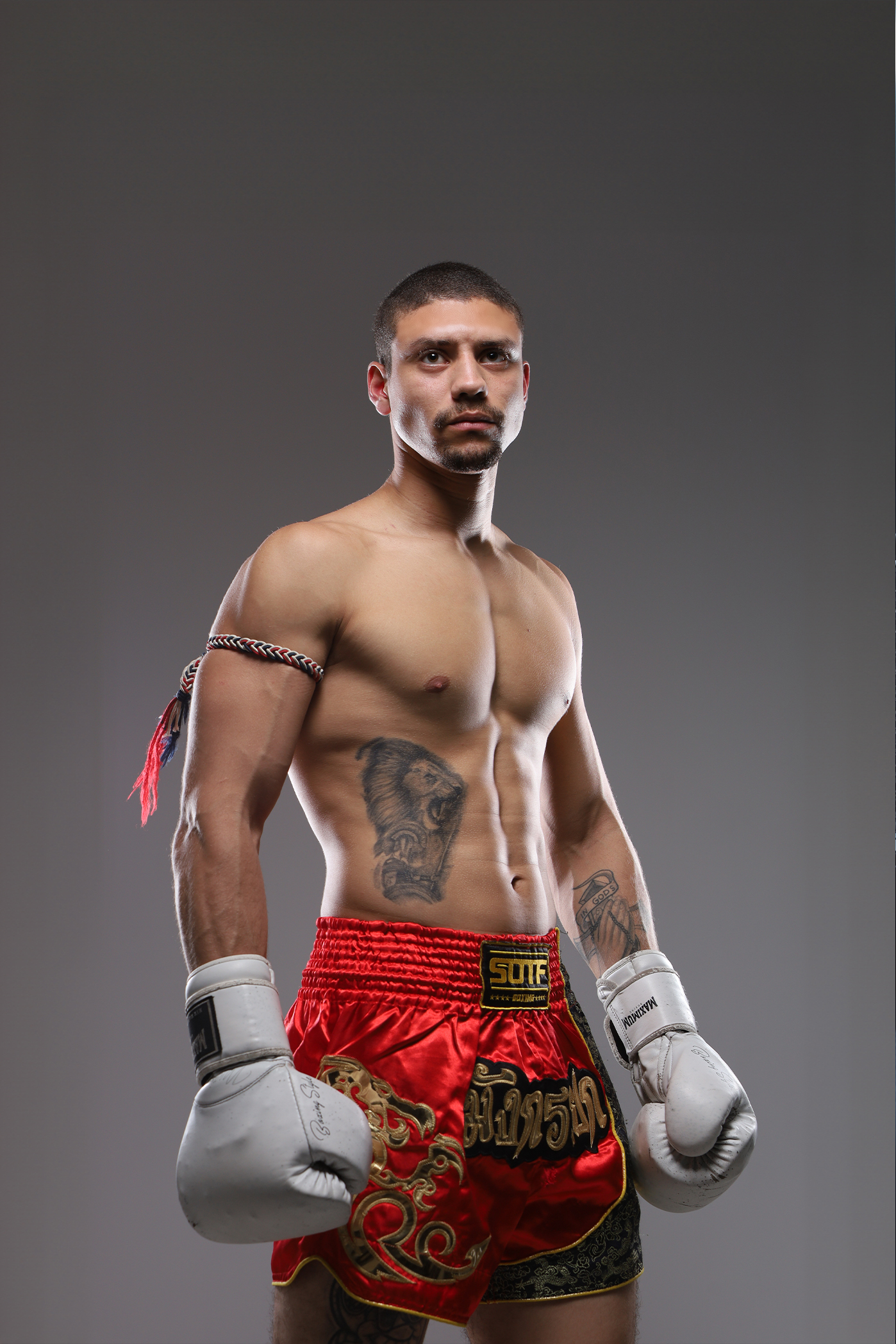
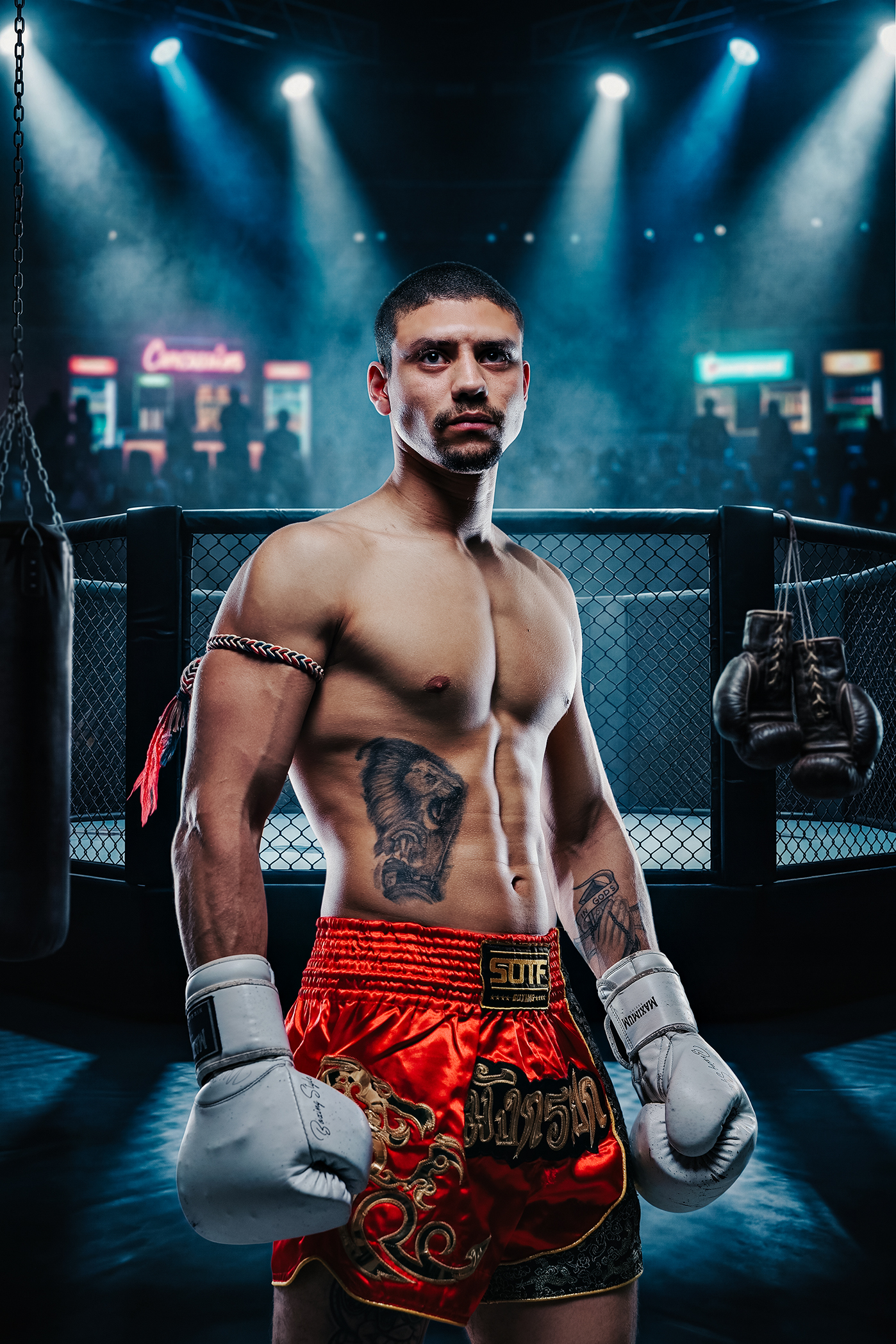
Stop spending thousands on backdrops. Start creating your own.

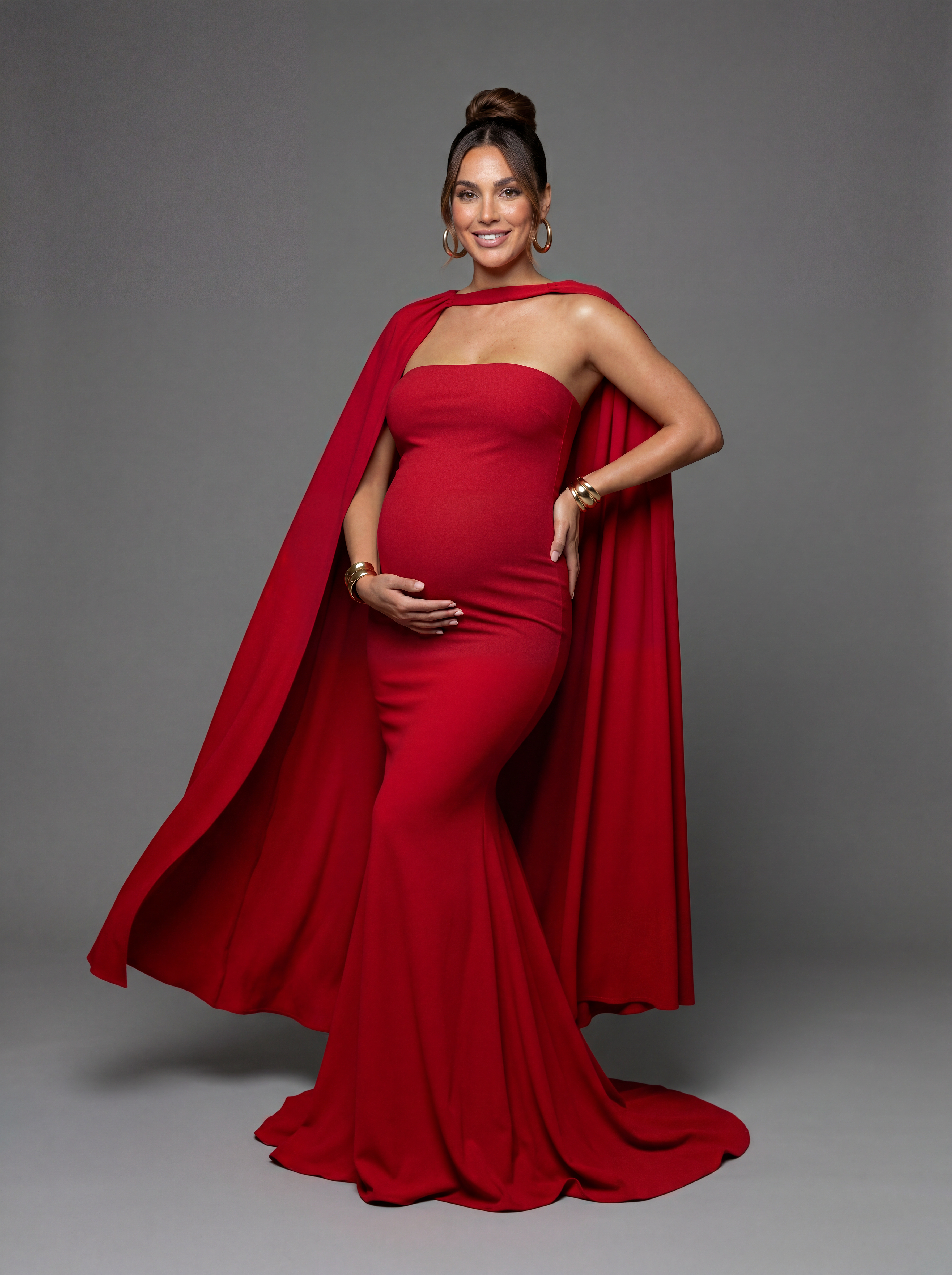
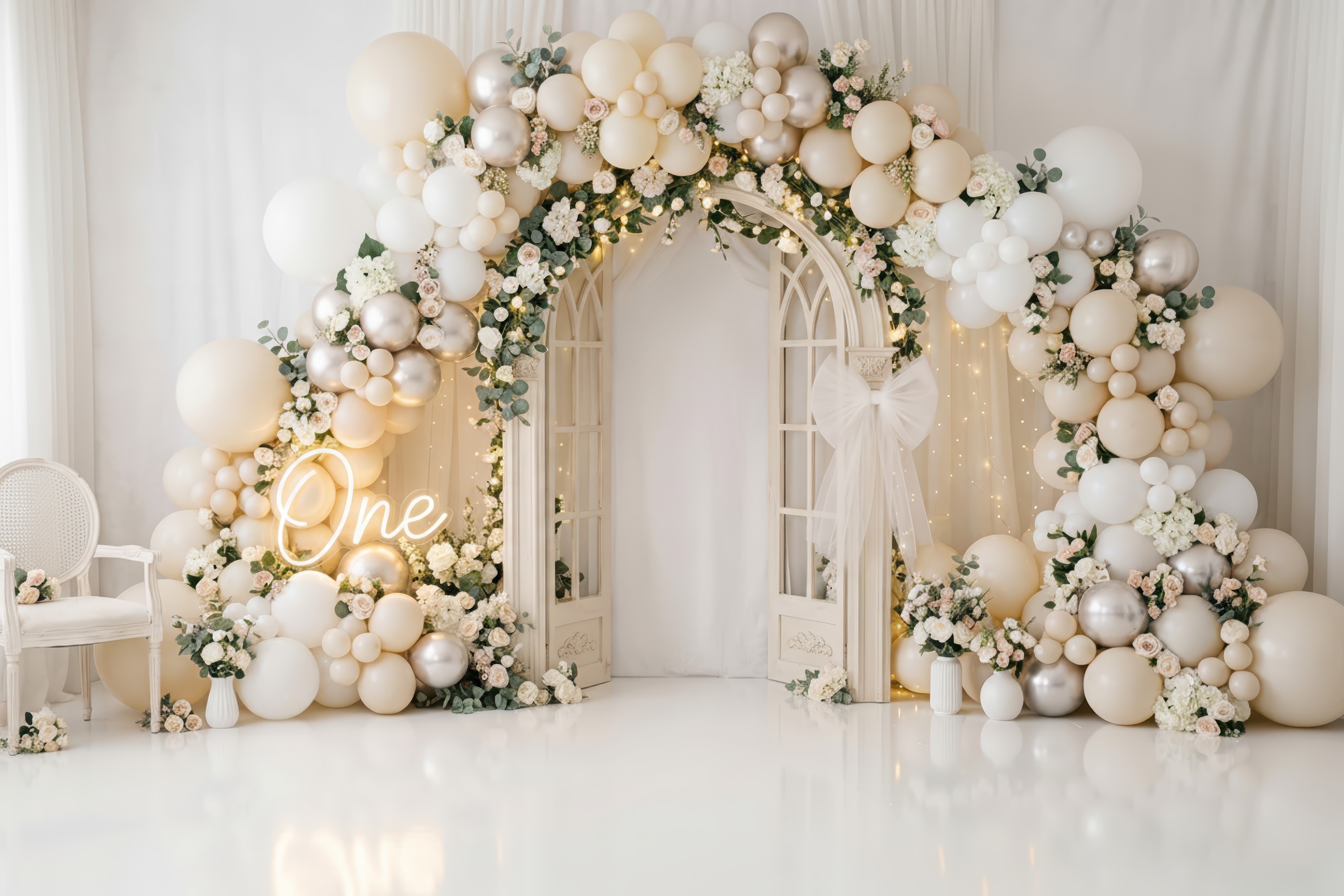
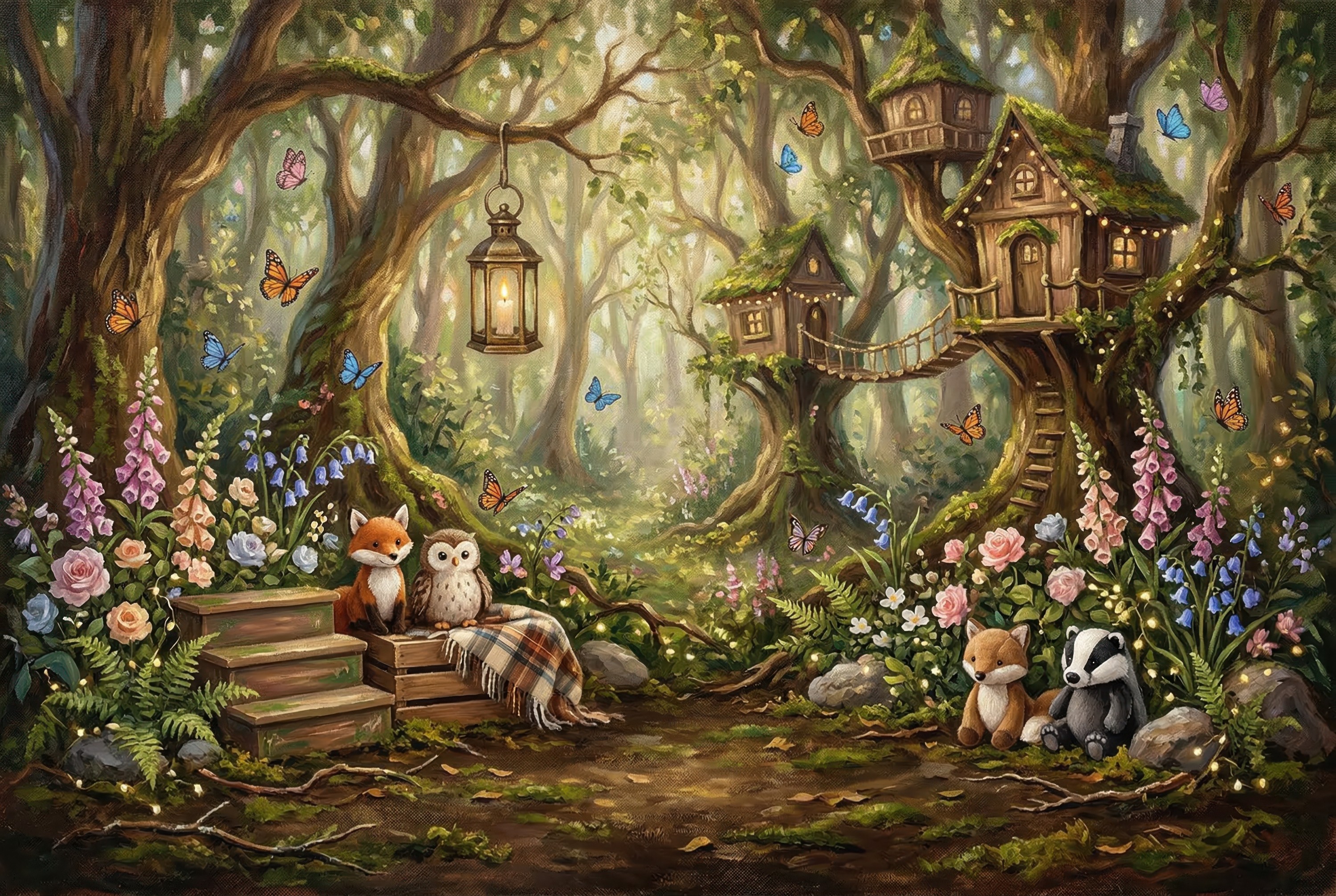
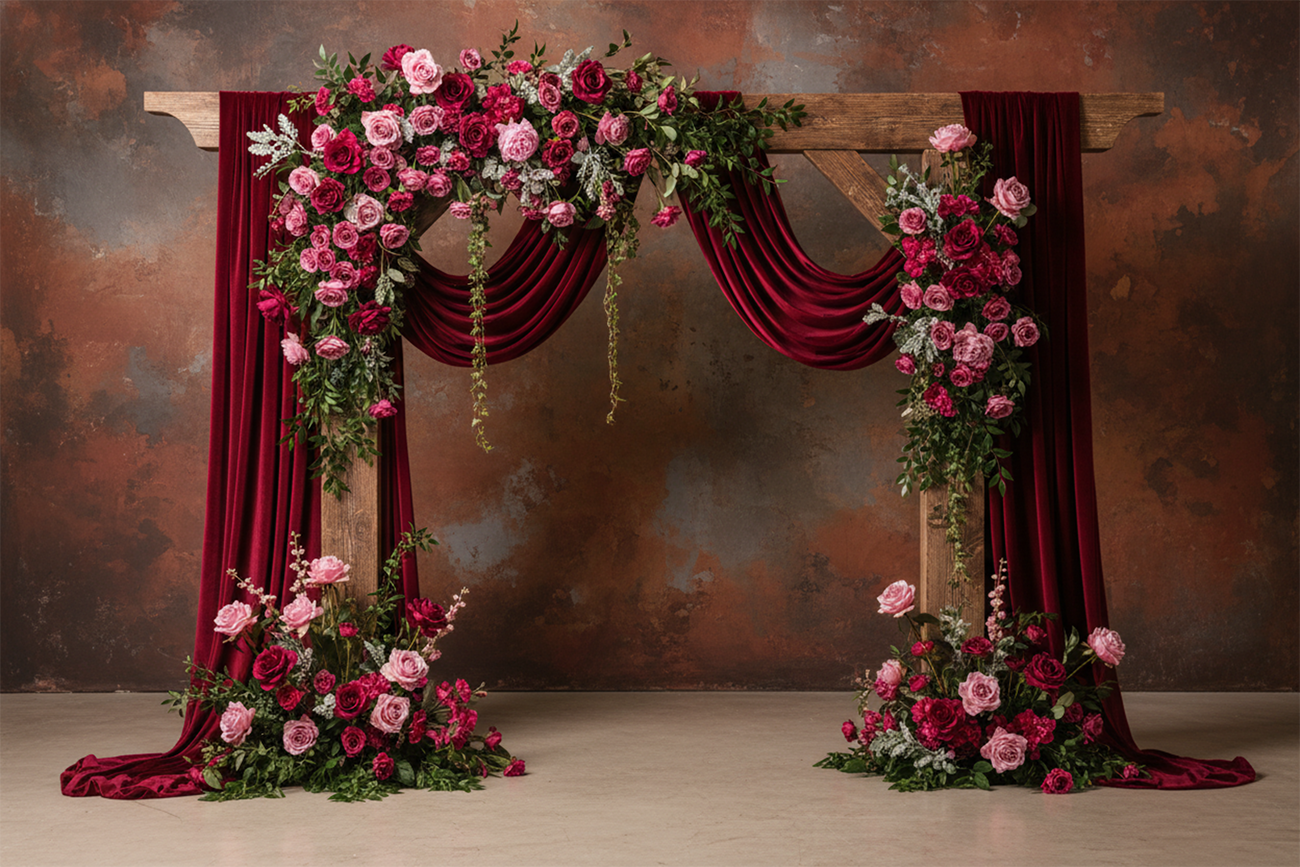
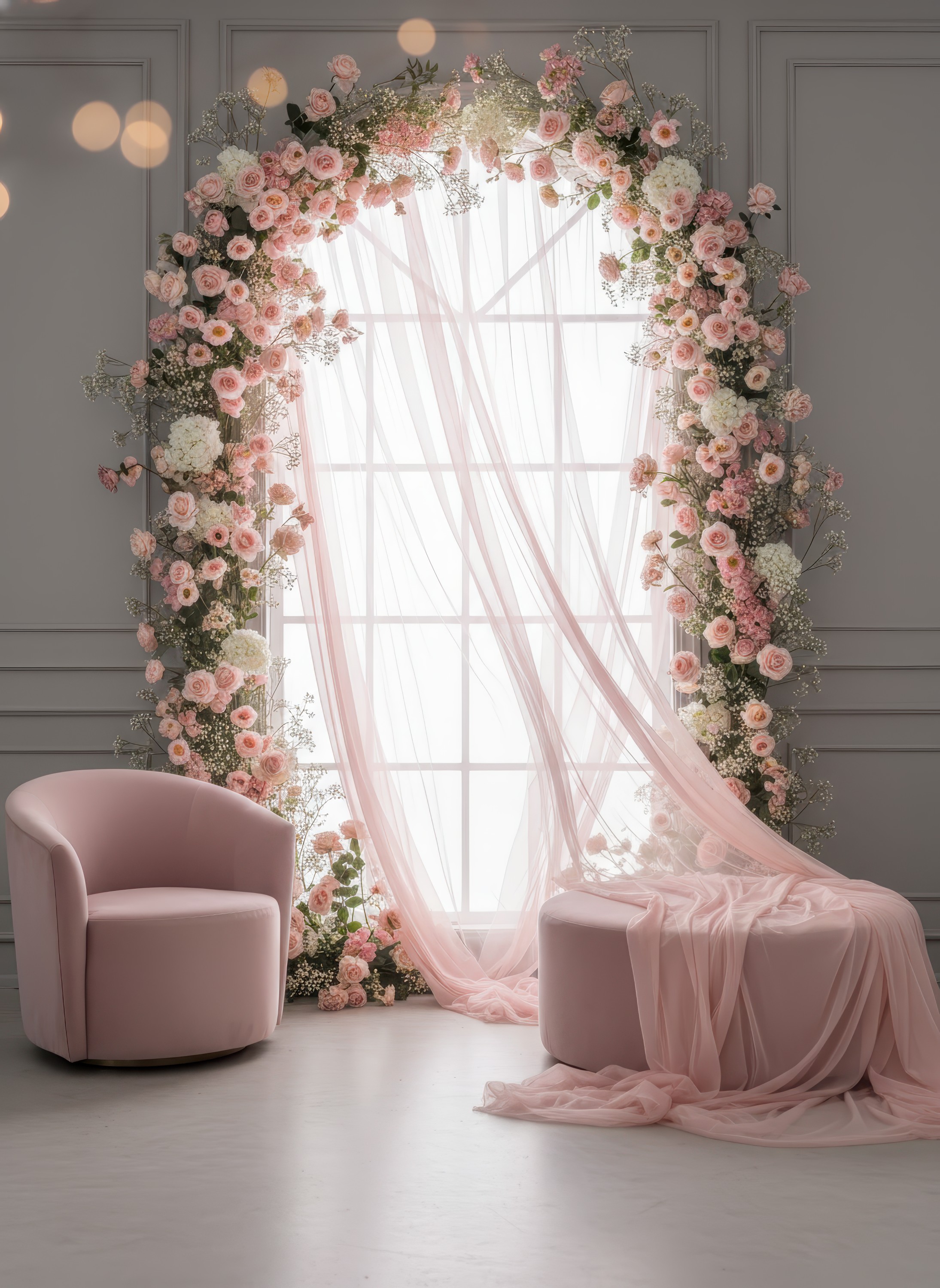
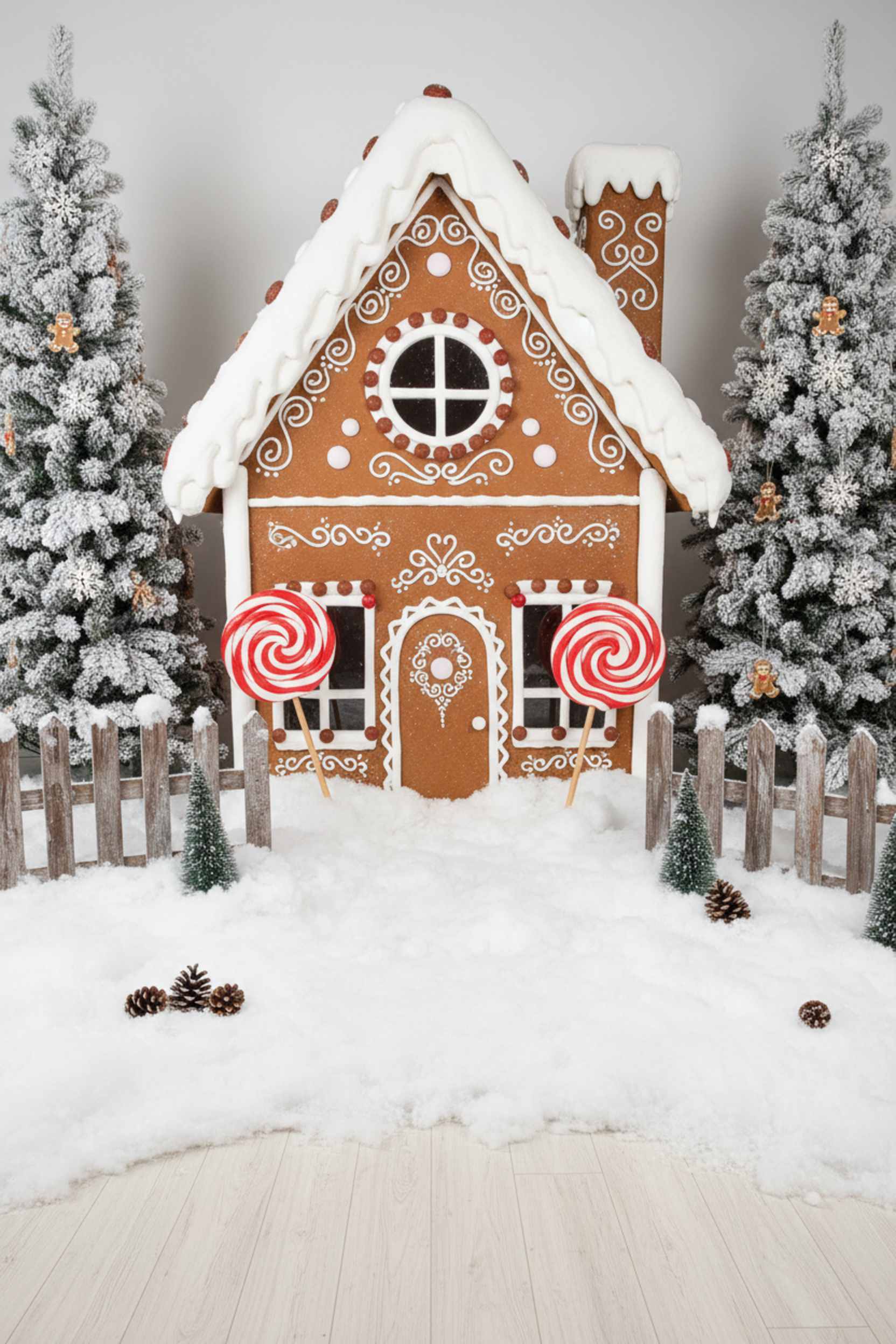
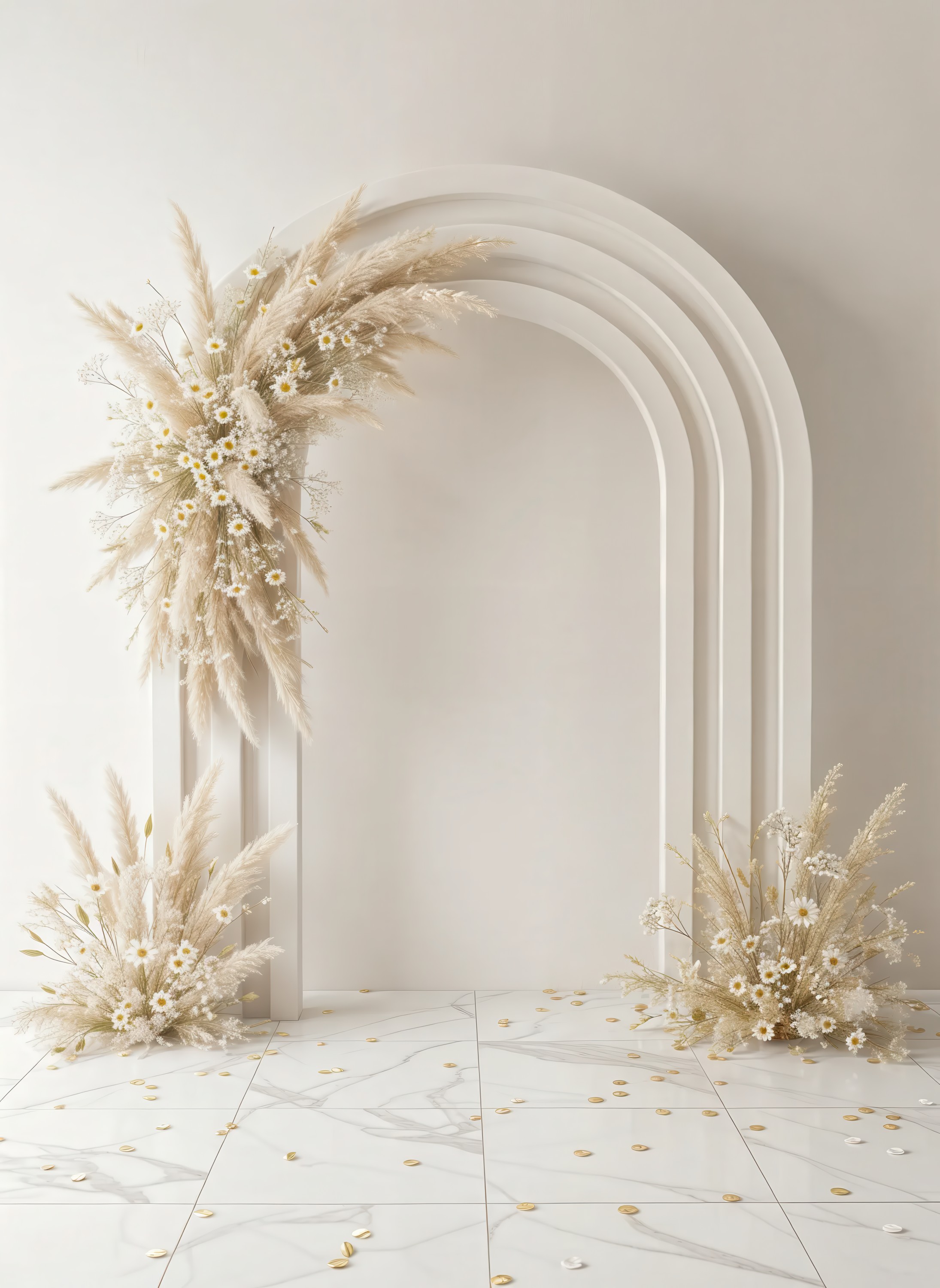
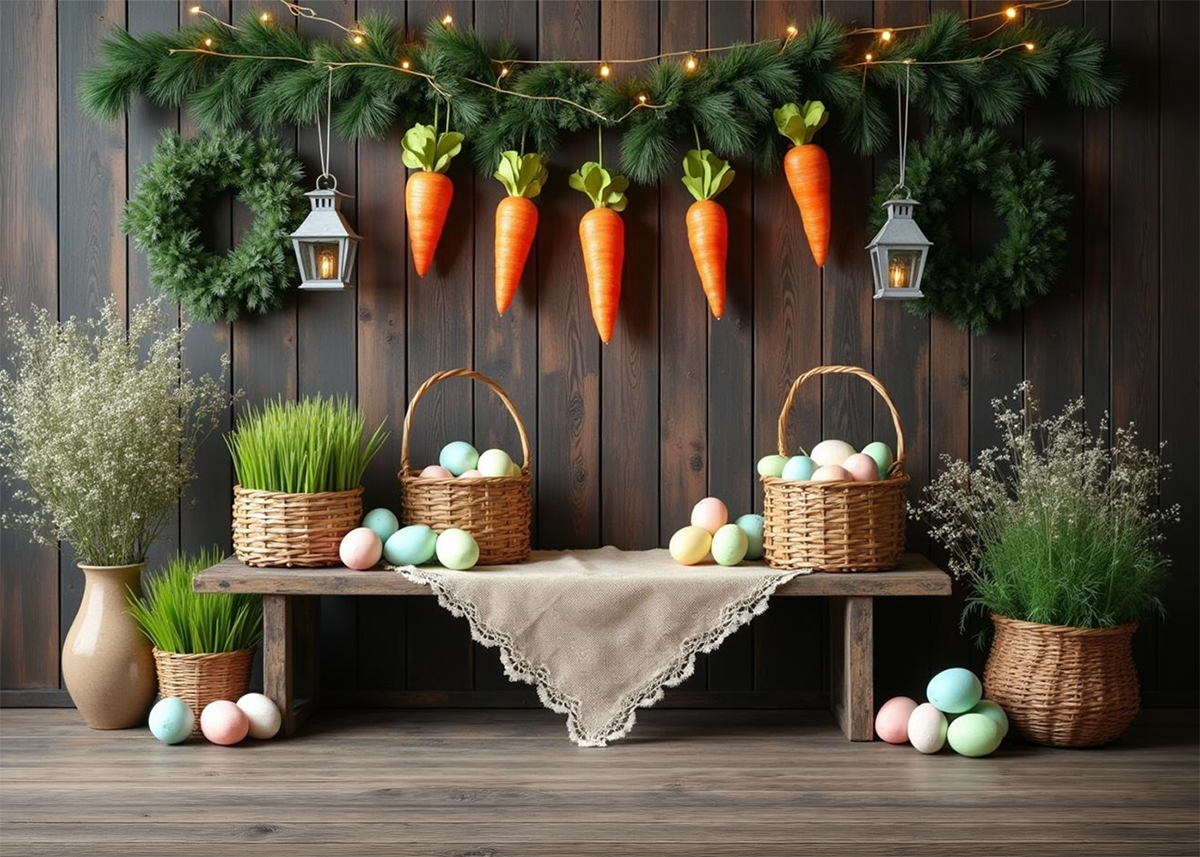
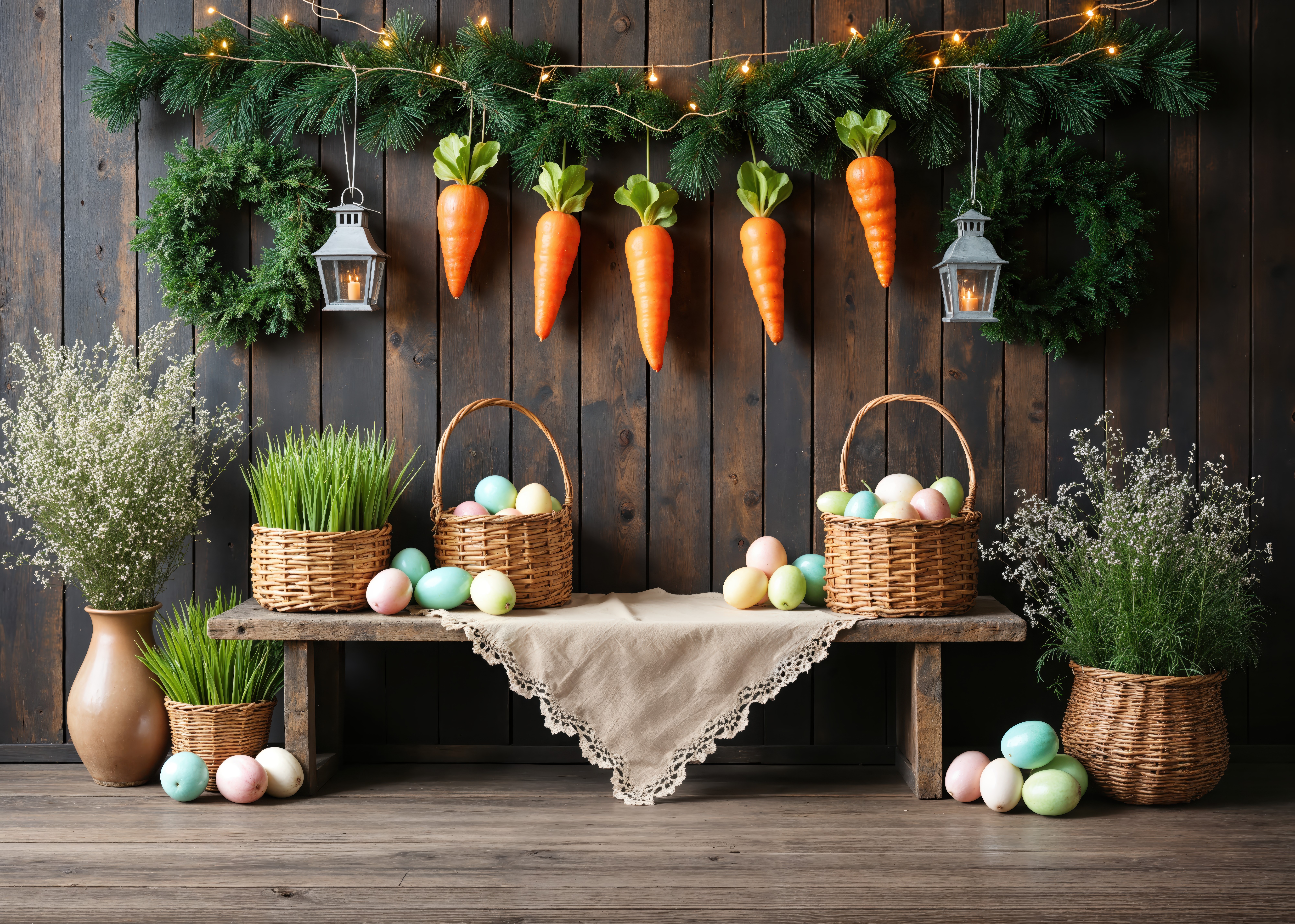
Generate unlimited studio backdrops with AI — newborn, kids, maternity, fine art. Ready to use in Photoshop in seconds.

No credit card required — 5 free generations per day

338+ photographers interested
98% approval in survey
20+ backdrop styles available
Features

Your entire backdrop studio, inside one app

No more waiting weeks for delivery. No more spending hundreds per backdrop. Create exactly what you imagine.

AI Scene Generation

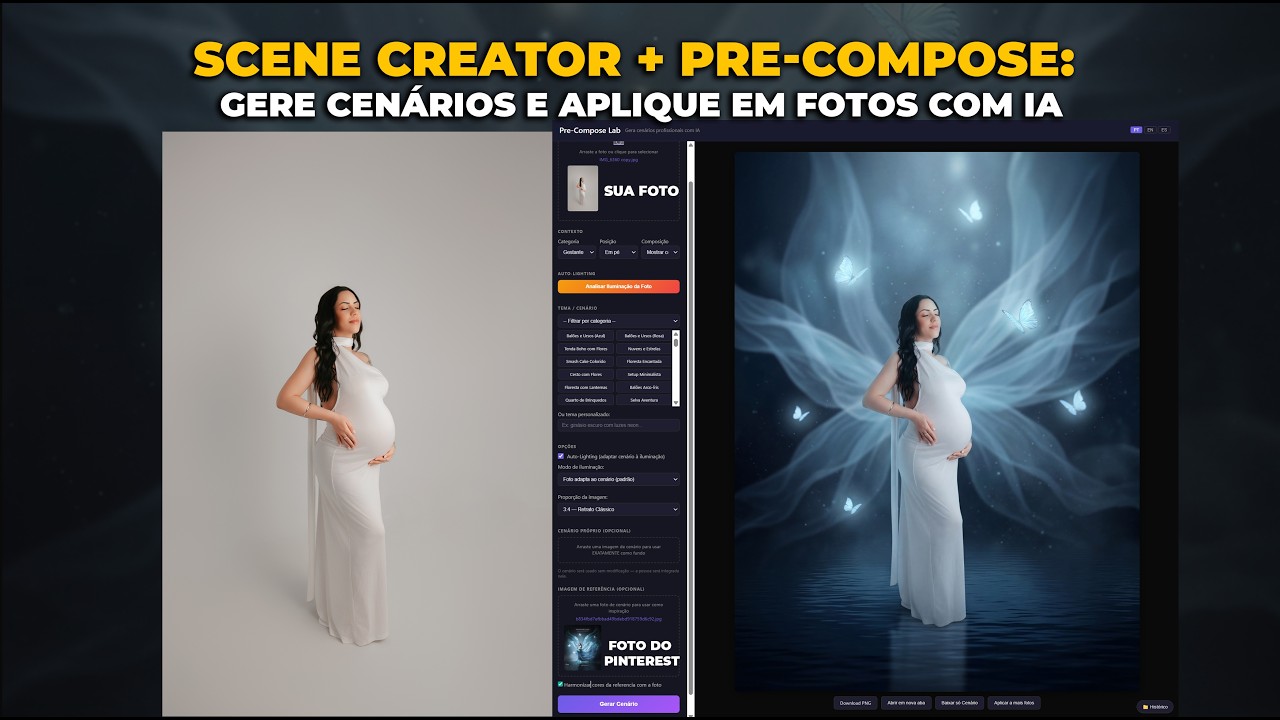
Describe any scene — fairy tale, vintage, boho, Christmas — and get a studio-ready backdrop in seconds. No design skills needed.

High Resolution Output

Generate images in high resolution, perfect for compositing in Photoshop. Sharp detail for professional-quality edits.

Curated Style Library

Hundreds of pre-built styles for newborn, kids, maternity, fine art, holidays, and more. One click, perfect backdrop.

Smart Prompt Builder

Don't know what to type? Our visual builder guides you step by step. Pick style, mood, colors — the AI does the rest.

AI Upscaler Built-in

Enlarge any image up to 4x without losing quality. Perfect for getting extra detail and sharpness for your composites.

Export Any Size

Download in high resolution, ready to drag into Photoshop. Compatible with any editing software you already use.

Testimonials

Real photographers, real results

MG
Michel Gouvea🇧🇷
Fine Art Photographer
It creates a brand new photo based on your reference. For me it's perfect, and the quality is wonderful.
I really used Douglas's background generator and it was exactly what I wanted. Yesterday I spent practically the whole day struggling with other tools to make backdrops, because I love fine art. And man, the quality here is wonderful. You grab a photo from Pinterest or anywhere, it doesn't matter if there's someone in it — you throw it in and Scene Creator removes the person and gives you an image based on that reference. It's not the same photo, which for me is even better — it creates a brand new photo based on what you sent. For me it's perfect, and the quality is wonderful.
VO
Victor O.🇺🇸
Studio Photographer
It saves me a lot of time and money, expanding the range of visual possibilities.
I wanted to share my experience using Scene Creator. It seems incredible, it has enormous potential — it can save us a lot of time creating custom scenes for each type of photography. I generally do studio photography and this seems truly incredible. The mix of artificial intelligence with the personalized style the client wants is fantastic. The platform is very intuitive, very simple. The formats and quality it delivers are excellent. It's saving me a lot of time and money, and above all expanding the range of visual possibilities we can offer our clients.
MF
Mora Fotografia🇲🇽
Photographer
It will save a lot of work. The interface is very user-friendly.
I've been testing since I could get the token to access the app. I'm generating several images from Pinterest references, as you suggested, and the truth is the tool is really good. I think it will save a lot of work in generating backdrops. In my case, as a photographer, it helps me a lot. I've been making changes and modifications to the prompts, and they generate really well. The interface is very good, very user-friendly, easy to understand. I see it's quite good for any user. I think the tool is excellent.
RB
R. Batista🇧🇷
Photographer
Absolutely surreal. Jaw-dropping scenes.
Hey Douglas! I see you're innovating with a new app — the Backdrops. I'm testing it out. I generated on Gemini, 4x5 which is what I like. Gemini Flash is faster and free. Top resolution. I liked it a lot as a reference. I set photographic style. What I generated here — surreal. Absolutely surreal. Jaw-dropping scenes. I did the upscale, set cinematic. It's so real. You can write exactly how you want it, do portraits for corporate, improve the background. The generation here is truly surreal.
MG
Michell Garcia🇵🇪
Graphic Designer & Photographer
Very easy to use. The quality is excellent.
Hi Douglas, I'm Michel, I'm from Peru, graphic designer and photographer. I'm testing the app you've created — I want to congratulate you, it's very easy to use. I've been testing with some references. For example, this Moon reference: I asked the app to make a background for a girl, pink with stars. The quality is excellent, it understands clear prompts. I have this other one of a city — I asked it to put hills in the background with a sunset and lights. I think it's excellent. I'll keep testing the app. Congratulations and keep going.
PB
Pedro Baião🇧🇷
Photographer
What an incredible tool! I loved it.
Douglas, I was testing the tool — man, what an incredible tool! I loved it. I did some tests, generated some images in different styles. You can see I generated this one in anime. I grabbed some unconventional images to play around, because I'm trying to do more fantasy-style photos. I really liked it.
Exclusive Bonus

Learn how to upscale your backdrops for free

I'll teach you step by step how to increase the quality of your AI-generated images using free tools — ready for large-format canvas printing.

AI Upscale — Maximum Resolution

AI-generated images start at low resolution. With the right free tools, you can upscale them up to 4x — turning a small image into a sharp, detailed canvas ready for 3x2 meter printing. No paid software needed.

  • Free upscale tutorial included
  • From low-res to print-ready in minutes
  • Works with any AI-generated image
  • Sharp detail even at 3x2 meters
Before
After
Before After
Pricing

Simple pricing. One payment, forever yours.

No subscriptions. Pay once, use forever. Start free and upgrade when you need more power.

One-time payment. No subscription. Forever.
Free
$0
To explore and test
  • 5 free images every day — forever, no payment
  • Up to 1K resolution
  • All aspect ratios
  • Style presets
  • Describe Image
  • Enhance Prompt
  • Premium model
Get Started — It's Free
Basic
$14 .90
One-time payment
  • 15 free images every day
  • Up to 2K resolution
  • Describe Image (AI)
  • Enhance Prompt (AI)
  • Upscale 2x canvas
  • Video tutorials
  • Premium model
Get Basic
Current prices are launch prices. After the first week, prices will be adjusted.

Secure payment via Stripe — Card, PIX & Boleto accepted. All plans include permanent access.

FAQ

Frequently asked questions

Our AI generates backdrops starting at 2K resolution, perfect for compositing in Photoshop or any editing software. You can also upscale them with free tools for even more detail.

Yes! All backdrops generated with Scene Creator are yours to use commercially. Use in client sessions, sell composites — no attribution required.

Not at all. Our Smart Prompt Builder guides you visually. Just select a style, mood, colors, and elements — the AI handles the rest. Zero technical knowledge needed.

We recommend Photoshop, but you can use any software with advanced editing features — Affinity Photo, GIMP, or similar. Just open the backdrop, place your subject on top, and blend.

Free users get 5 generations per day with no credit card required. Basic unlocks 15 and Pro unlocks 30 generations per day, plus AI-powered features like Describe Image and Enhance Prompt.

Yes! Pay once, use forever. No monthly fees, no hidden charges. Your daily free generations renew every day with no extra cost. The Pro plan also includes 100 premium 4K images.

Premium credits let you generate images in maximum quality (4K resolution) using our Premium model. Each image costs 1 credit. Pro includes 100 credits, and you can buy more anytime.

Physical backdrops cost $50-150 each, take weeks to arrive, and need storage space. With Scene Creator, you generate any backdrop instantly in digital format, ready to use in Photoshop — unlimited options, zero storage.

Ready to transform your studio?

Join hundreds of photographers already creating stunning backdrops with AI. Start free today.

See Plans

No credit card required — 5 free generations per day